
Creator Chronicles system requirements
Windows and macOS floors for the 14 September 2026 Steam client, separate from the lighter demo.
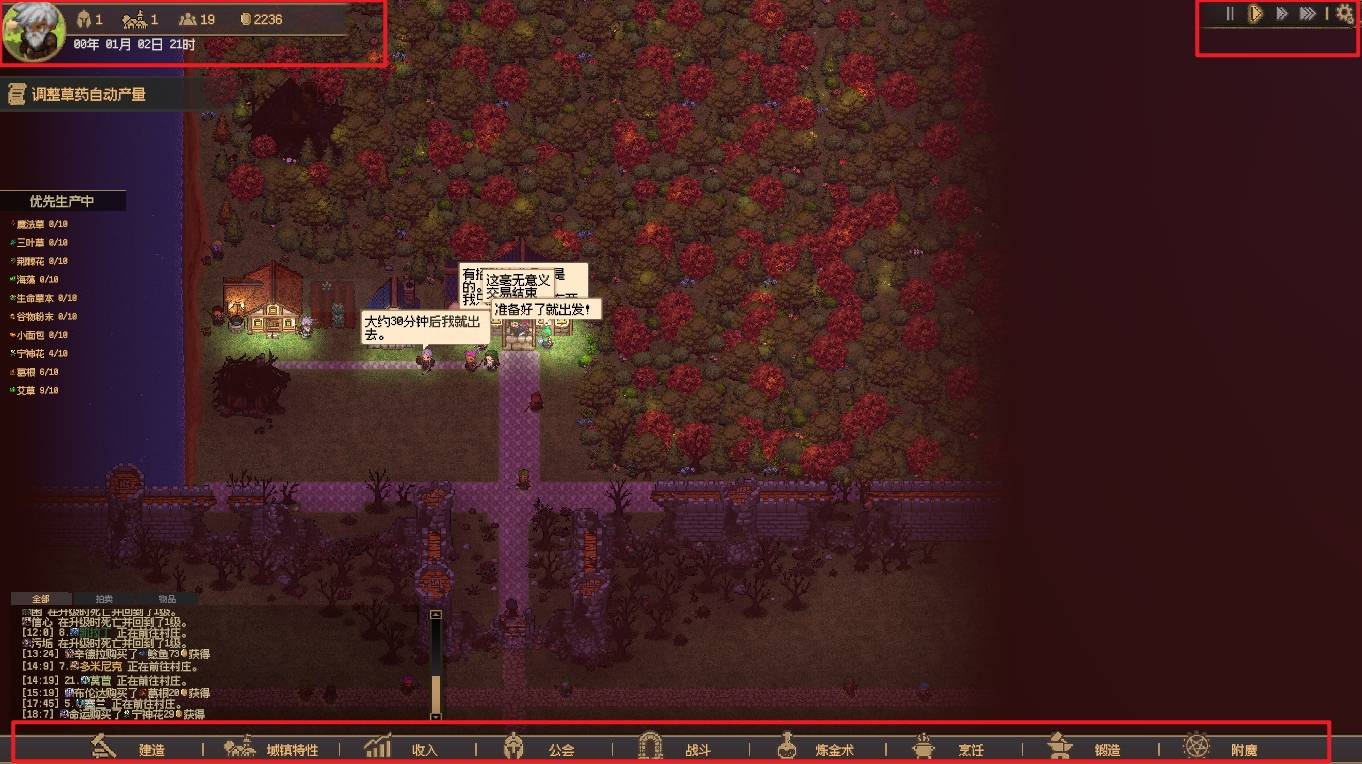
Creator Chronicles is a pixel guild sim, but Origin Studio still posted real GPU and RAM floors on Steam. This page copies those numbers so you can decide whether to wishlist the Windows build, the macOS build, or wait. The full client is scheduled for 14 September 2026 at 08:00 UTC. The public demo closes the day before. Do not mix demo storage lines with the 1.0 table.
The campaign is single-player. Nothing here is a live multiplayer tick rate. Hall of Battle is asynchronous PvP against other masters’ parties in the full build. Accessibility notes on the store include a mouse-only option, custom volume controls, playable without timed input, and Steam Achievements.
Windows — full game
Minimum
- OS: Windows 10
- Processor: Intel Core i5 6th generation or newer, or AMD Ryzen 5 4th generation or newer
- Memory: 8 GB RAM
- Graphics: NVIDIA GeForce GTX 1050 or newer, or AMD Radeon RX 5500 or newer
- Storage: 16 GB available space
- Sound: onboard audio
Recommended
- OS: Windows 10 or newer
- Processor: Intel Core i5 8th generation or newer, or AMD Ryzen 5 6th generation or newer
- Memory: 32 GB RAM
- Graphics: NVIDIA GeForce GTX 1070 or newer, or AMD Radeon RX Vega 56 / RX 5600 XT or newer
- Storage: 32 GB available space
- Sound: onboard stereo (2-channel)
The recommended RAM jump from 8 GB to 32 GB is the line that surprises people. If you are buying a stick of memory for launch week, that is the number to talk about, not the GTX 1050. Disk is also not demo-sized: 16 GB minimum, 32 GB recommended.
macOS — full game
Minimum
- OS: macOS Sequoia 15.6
- Processor: Apple M1
- Memory: 8 GB RAM
- Graphics: the store still lists a GTX 1050 / RX 5500-class floor beside the Apple Silicon line; treat M1 as the practical Mac floor
- Storage: 16 GB available space
- Sound: onboard audio
Recommended
- OS: macOS Sequoia 15.6 or newer
- Processor: Apple M2
- Memory and GPU scale with the Windows recommended table if you are on a desktop Mac that can take a discrete card; most players should just read M2 as the comfort line
Steam Deck compatibility was an open community question on the discussions board. Origin Studio has not posted a verified Deck rating in the notes we used for this wiki. If you care about handheld play, test the demo before 13 September 2026 and assume 1.0 may still change the UI scale.
Demo versus full client
The demo (app 3978190) advertised a lighter floor: 4 GB RAM and about 4 GB of disk on Windows, 4 GB RAM on Mac. That is why a laptop that ran Next Fest may still feel tight on 14 September. Treat demo performance as a vibe check, not a guarantee. Demo notes cover content limits. Launch notes cover the date and the no-transfer save rule.
Practical advice before you click Play
Close overlays you do not need. The village already runs 1x–3x speed from the HUD; you do not need a 240 Hz overlay to watch a farm tick. If RAM is the bottleneck, skip a browser with forty Steam community tabs. If GPU is the bottleneck, drop zoom and effects before you blame the sim. Custom volume and a mouse-only option exist for players who do not want a keyboard fight; the controls page still lists the hotkeys for people who do.
Confirm the live Steam table through official links if Origin Studio edits the store after this page. Hardware does not replace a plan: once the client launches, the village planner and party planner matter more than another GPU benchmark. The getting started guide assumes you can actually boot the game.
If you are on an older dual-core laptop that missed the i5 6th-generation line, do not expect the recommended 32 GB table to save you. Wishlist, run the demo if it still installs, and read the roadmap instead of forcing a slideshow village. A paused sim is still more useful than a crash during Hidden Swamp.
Frequently Asked Questions
Quick answers for new guild masters.
What is the Windows minimum for Creator Chronicles?
Windows 10, i5 6th gen or Ryzen 5 4th gen, 8 GB RAM, GTX 1050 or RX 5500, 16 GB disk. Pair this page with official links if Steam changes the table.
Does macOS work?
Yes. Origin Studio lists macOS Sequoia 15.6 and Apple M1 as the floor. Launch timing is on the launch page.
Why is recommended RAM 32 GB?
That is the Steam recommended line for the full client, not the 4 GB demo floor. See demo notes for the lighter slice.
Is Steam Deck verified?
Not in the notes this wiki used. Test the demo if you still can, then check community links for player reports.
Do I need a controller?
The store lists a mouse-only option. Keyboard shortcuts still help; they live on Controls.